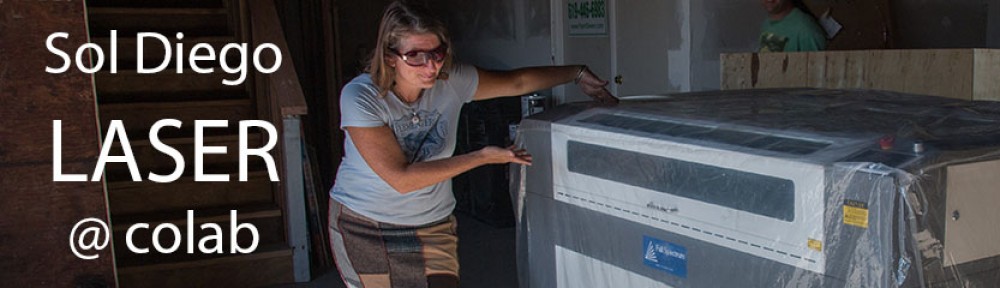
Welcome! If you have not already taken the laser training class, your next step is to find a scheduled laser training class and sign up for it here. Only people who have completed the training may sign up for time on the laser.
After you have completed the Laser Safety and Basic Operation class successfully, please go to scheduler.sdcolab.org and click to request access to CoLab tools. Fill out the little form and select Laser Cutter on the list of tools. Under “reason you should be certified for tool access”, you can just say that you’ve completed the Laser Safety and Basic Operation class. Click Submit Request and wait to receive an email confirming your certification.
Thereafter, you just go to scheduler.sdcolab.org and click to go to the calendar. Follow the instructions there to select the block of time you wish to reserve on the laser, by just dragging on the calendar.